NBA 2K15: Tips for Creating Rosters and Draft Classes
One of the more underrated aspects of NBA 2K15 is the create-a-player suite and the draft-class creation process. The face-scan technology is restricted to the MyCareer and MyPark modes, but traditional created players and prospects for the draft class are manufactured with the new and improved face-sculpting feature.
It's fairly in-depth and allows gamers to make just about anyone with reasonable accuracy. Take a look at this version of Reggie Miller I created with the tool:

If you want to fully customize your MyGM and MyLeague experience, you should give the creation options a spin.
Creating and Importing Players into MyLeague and MyGM
For starters, you can create up to 150 players. Let that sink in for a minute. That's a huge amount of custom content you can add into the mix. What's even better is that you can import all of your creations into your MyLeague or MyGM saves.
The process can be a little confusing, judging from some of the questions I've seen on Twitter. For anyone who may not understand how to bring creations into MyLeague or MyGM saves, the next few paragraphs are for you.
First and most importantly, your custom roster has to be created before you start a MyLeague or MyGM. You can't create players within either mode unless it's via the draft class, but we'll get into that more a little later.
To create players, select options/features from the main menu. From there, scroll over to "Create a Player." A list of 150 open slots will appear. Here is where you can begin your creative efforts. Once you have created all the players you want—or run out of slots—mosey over to the roster-creator option.
There you'll be able to move your created players to any team you want—even classic and Euroleague rosters. MyLeague and MyGM allows you to swap NBA teams with classic squads and international teams.
Once you've made the freakiest roster you can create, you're ready to save it.
When you begin your MyLeague or MyGM, check the option for custom rosters. When the mode begins, you'll be prompted to select the custom roster from your hard drive. That's right: It's stored locally and is unaffected by server availability.
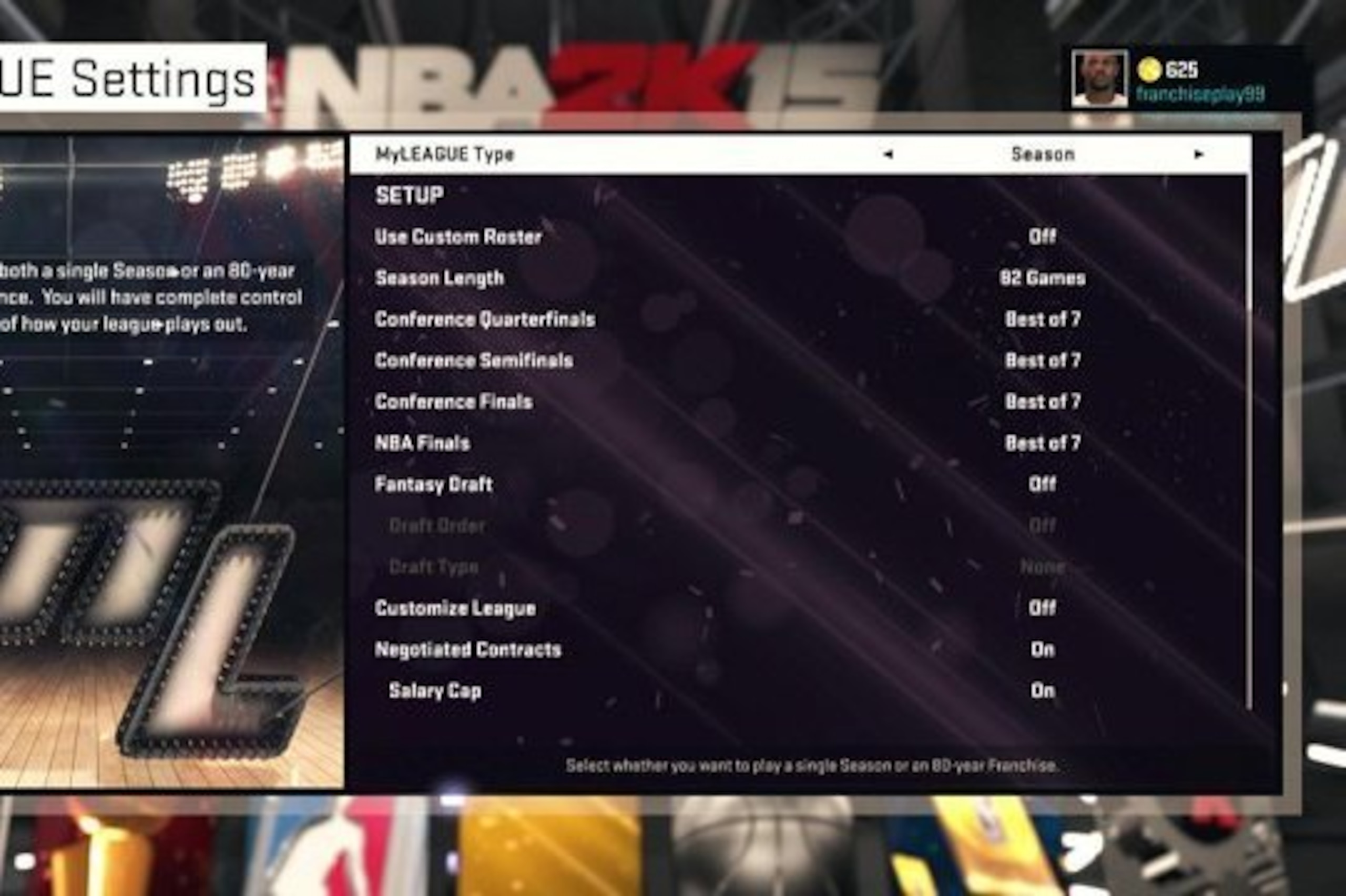
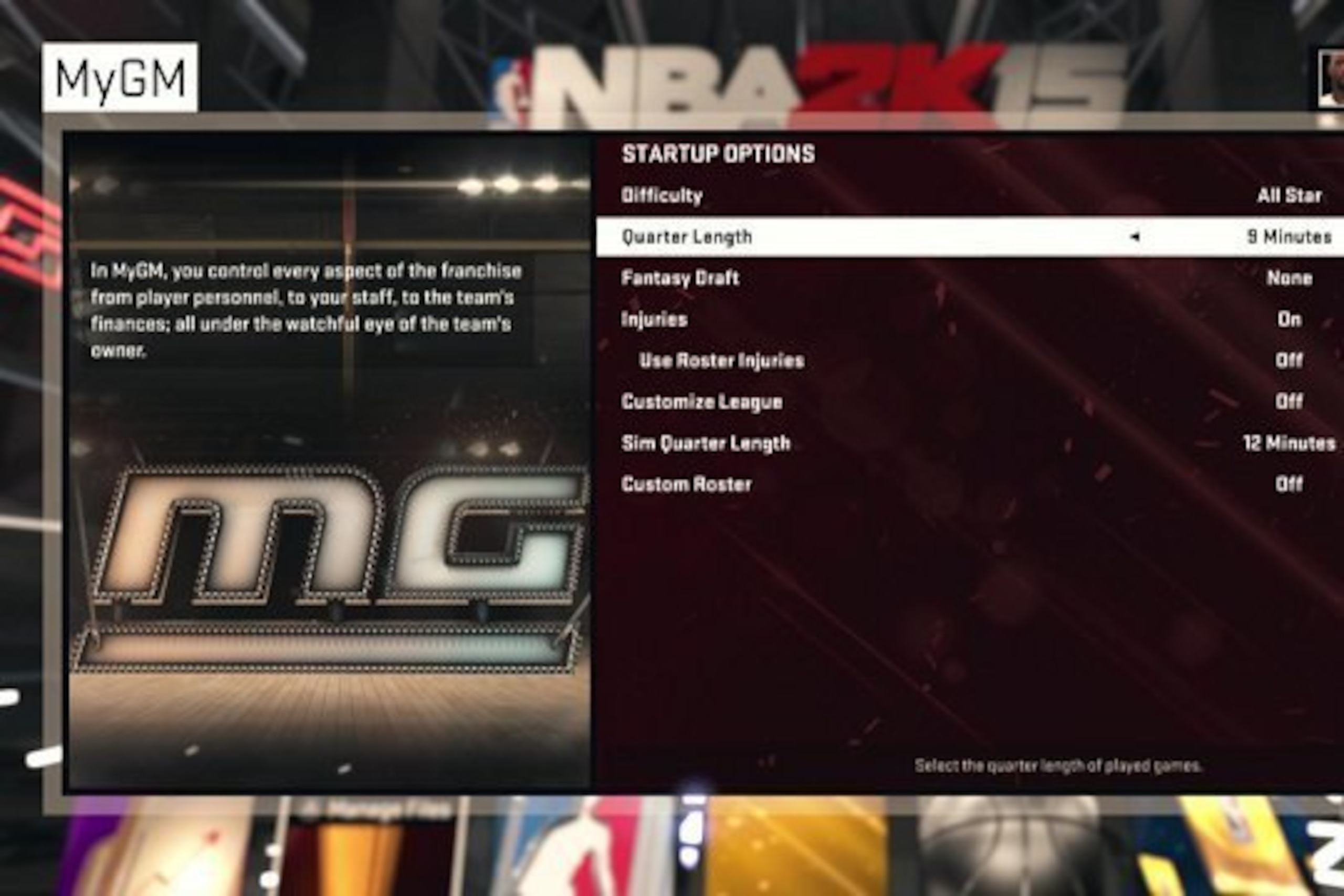
When the roster is loaded and the main screen comes up, you'll see that the entire custom roster you created is plugged in and ready to go. Yes, it's awesome. Within MyLeague, you're able to alter just about any aspect of each player's attributes and details—even height and weight.
In MyGM, things are more static because much of it is based on role-playing segments. Still, you're able to kick off your experience with a league you created.
Creating and Importing a Draft Class
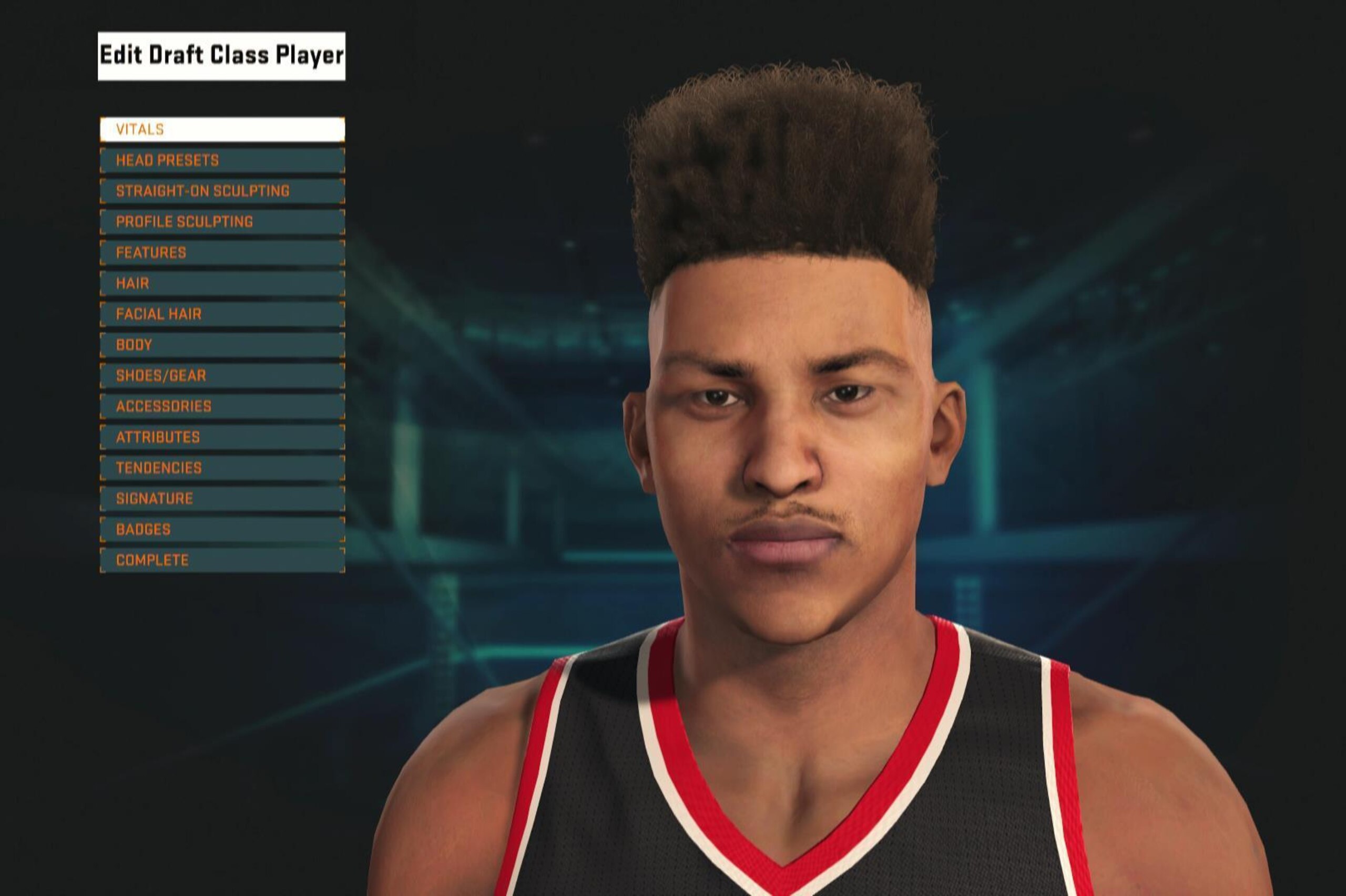
At the outset of MyLeague and MyGM, you're also prompted to load, create or download a custom draft class. You can also have the computer auto-generate one for you.
If you lack time, an Internet connection, creativity or inspiration, you can choose the latter option. However, to fully enjoy the customizable goodies, you should create a class or download one from the 2K community.
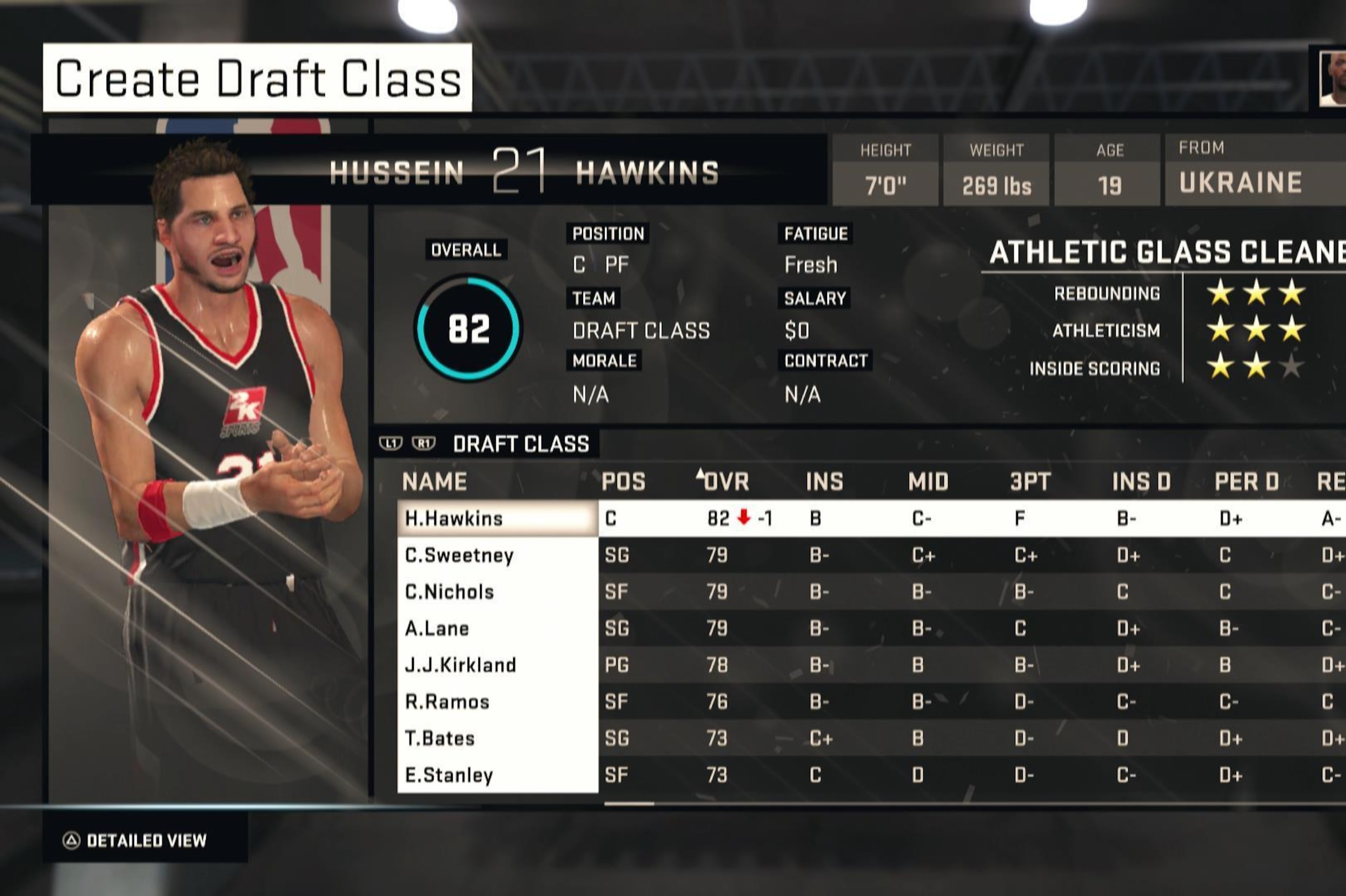
You'll find gamers who have created prospects expected to be in the upcoming draft class as well as some fictional ones. You can try your hand at either from this point, but it's actually better to settle in on a draft class before you start your MyGM or MyLeague. One of the few bummers about the design of both modes is that you can't edit a draft class once you've begun your season.
A best practice is to download an acceptable draft class or to create one right after you finalize your base roster. It might delay the start of your MyLeague or MyGM, but it's worth it in the long run. You access the create-a-draft-class option much the same as you select the roster creator.
All draft classes start off with fictional players, but you can edit each one to make him your own. The feature is housed in the options/features tab, and the creation tool works the same as it does for any other created players.
You'll have to do this prior to every season you have in MyLeague and MyGM, so you may want to start scouting draft classes or creating them before you come to the end of your season.
Having chosen the direction you want for the future of your league, you're ready to go. Have it at; the folks at 2K Sports have given gamers an awesome canvas to paint their own virtual hoops mosaic.
Follow Brian Mazique aka FranchisePlay, the Sports Video Game Journalist

.jpg?w=2560 "NFL House in Paris Closes for Protests")
.jpg?w=2560 "Trevon Diggs Cut by Seahawks")