

eSports and Team Stream: How to Add Individual Games to Your Feed
With Bleacher Report's increased focus on the eSports community, Team Stream has added individual game streams to provide complete coverage of your favorite titles.
There's no better time to start setting up eSports in Team Stream with CS:GO's ELEAGUE finals (Saturday), Dota 2's The International (August 3-11) and League of Legend's World Championship (September 29-October 29) coming up.
And now, you'll have the ability to truly customize your eSports experience. Whether you have sole love of CS:GO, a passion for MOBAs or a need to know absolutely everything happening in the world of eSports, Team Stream has it all.
TOP NEWS

🚨 NC State Fires Head Coach
Heat, Giannis were down by 20+ in each of their 3 losses

Malachi Toney Sets ANOTHER Record
If you're an experienced Team Stream user, the steps to add your favorite eSports titles are the same as adding your favorite sports teams.
But if you need a quick rundown, we'll take you through the process below:
Select "My Teams" at the bottom of Team Stream, and then select "Add."

Scroll down to "Interests," and tap "eSports."
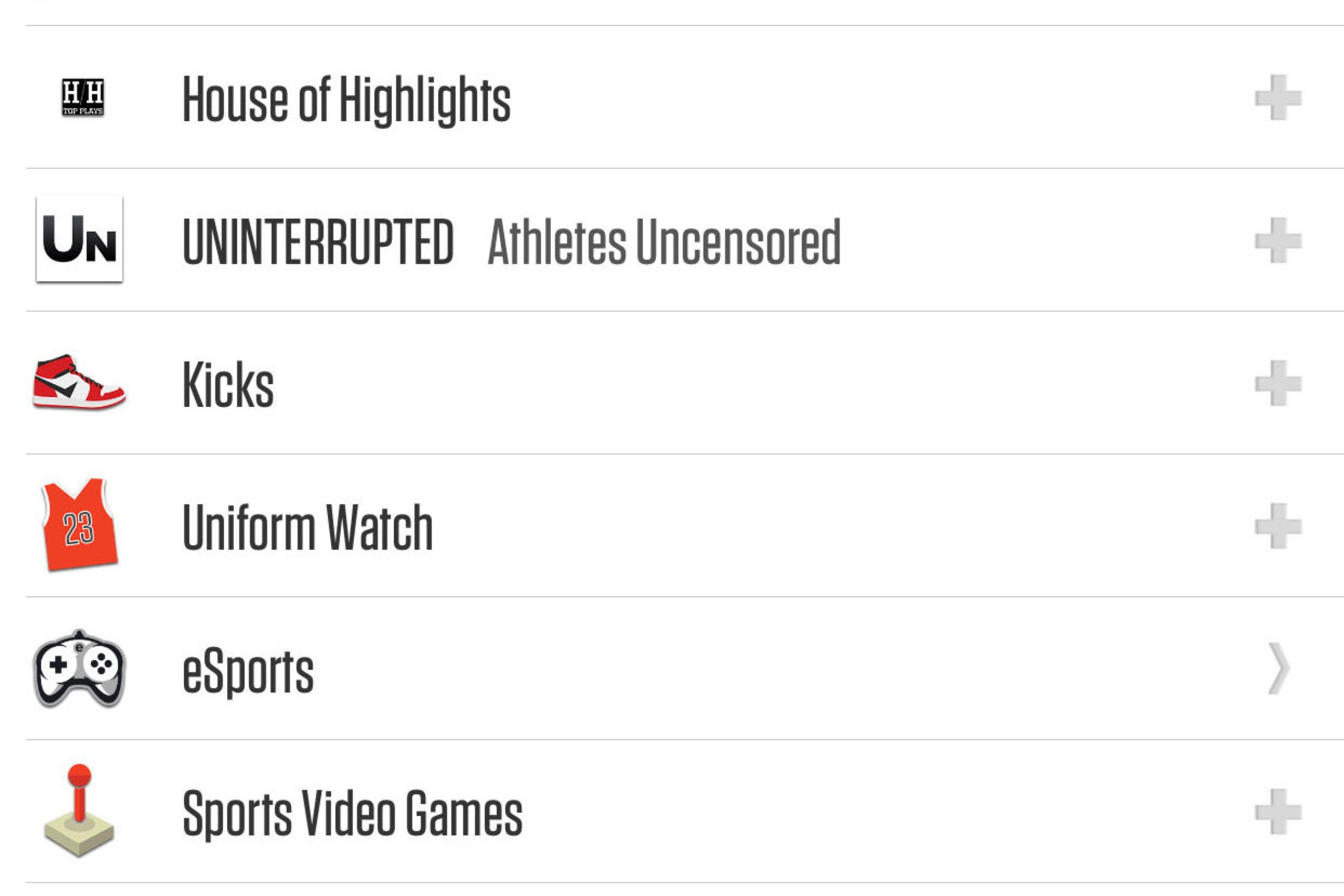
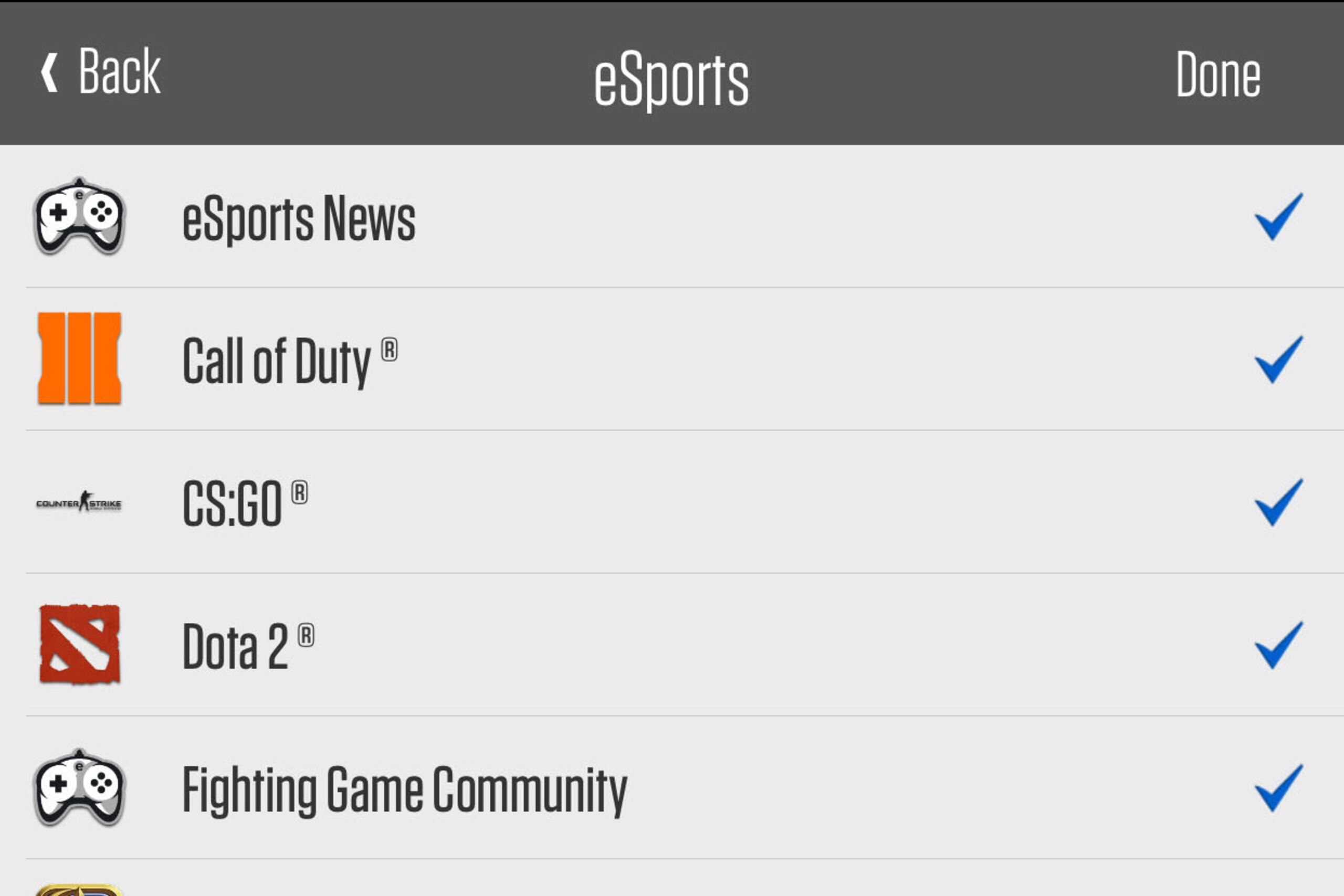
You'll then be provided a list of available eSports titles, including:
- League of Legends
- CS:GO
- Dota 2
- Hearthstone
- Overwatch
- Super Smash Bros.
- Fighting Game Community (including Street Fighter, UMvC3 and Mortal Kombat)
- Starcraft
- Call of Duty
- Smite
- Heroes of the Storm
Select the "+" to add the streams to your list.
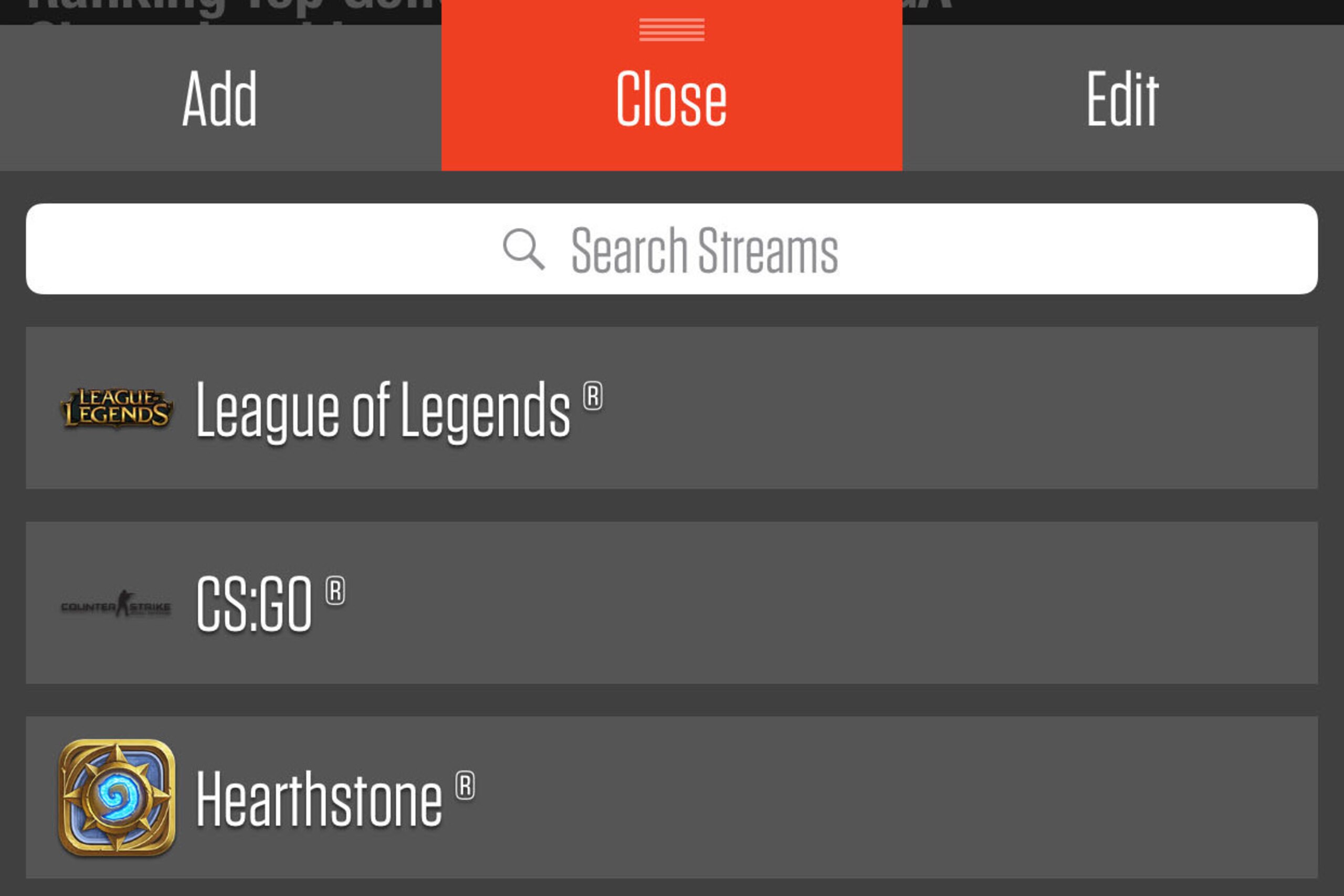
To view recaps, highlights, analysis and your favorite memes, it's as simple as selecting "My Teams" again and tapping your newly subscribed eSports streams.
.png?w=2560)

.jpg?w=2560 "Malik Beasley Negotiating Plea Deal (AP)")


.jpg?w=2560 "Jonathan Taylor Landing Spots")